Vintage AI Image Prompts for Retro Looks
Vintage AI image prompts turn a modern photo or a fresh idea into something that looks like it came from another era. This category collects copy-paste style prompts across the decades — 1920s Gatsby glamour, 1950s Retro diners, 1970s Disco color, and the black-and-white polish of Old Hollywood. Each one defines a look you apply to your own image, then run inside the Createawity editor.
Pick the mood you want and start there. Sepia Memories leans warm and faded, like an old family print. Victorian Era brings formal portraits, muted tones, and period detail. Outputs are AI-generated, so every run varies — treat each prompt as a starting point and rerun it until the era feels right. Click 'Use this prompt' on any card to load it and go.
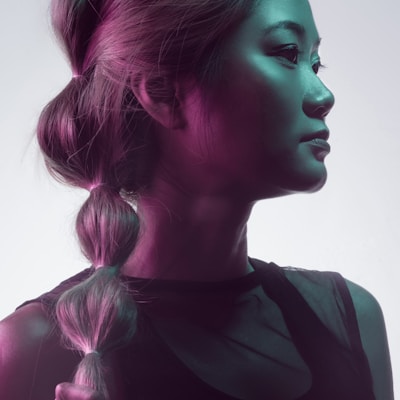
1920s Gatsby
1920s Great Gatsby style, art deco elegance, flapper aesthetic, vintage glamour, prohibition era
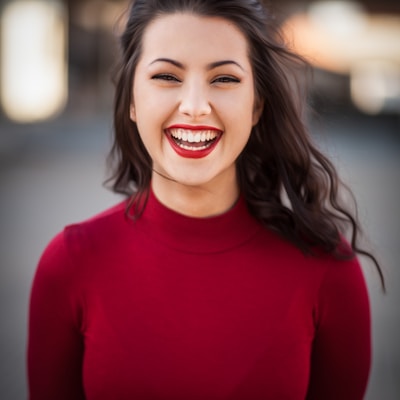
1950s Retro
1950s retro aesthetic, classic diner vibes, vintage fashion, rock and roll era, nostalgic charm

1970s Disco
1970s disco style, groovy vibes, retro fashion, dance floor energy, vintage party mood

Old Hollywood
Old Hollywood glamour, golden age of cinema, classic movie star, timeless elegance, studio portrait

Sepia Memories
Sepia tone vintage photo, antique aesthetic, old memories, historical feel, timeless nostalgia

Victorian Era
Victorian era portrait, historical elegance, period costume, classical beauty, timeless sophistication
Tips for Vintage prompts
- Start from a clear, well-lit photo. Vintage prompts add grain, tone, and mood, but they can't recover detail that isn't there.
- Match the prompt to your subject. Old Hollywood suits close portraits, while 1970s Disco fits full-body and group shots.
- Run a prompt two or three times. Small changes in framing or lighting shift the result, so keep the version that reads most authentic.
Vintage prompts — FAQ
What are vintage AI image prompts?
They're ready-made style prompts that give your photos a retro or period look. You copy a prompt like 1920s Gatsby or Sepia Memories into the Createawity editor and run it on your own image. The prompt sets the style; the AI generates the result, which varies between runs.
Do I need to pay to use them?
No. Every new account gets 3 free credits that never expire, so you can try a vintage prompt right away. If you want to generate more, extra credits are available as paid INR packs. Outputs vary between runs, so budget a couple of tries.